
Why use synthetic data for defect detection?
Because the examples you need most are the ones your line makes least.
What Visynex isVisynex makes synthetic defect images for training machine vision inspection models. Each image is made from one photograph of a good part, and every defect image ships only if a separate detection pass finds the defect ordered.
The rare-defect problem
An automated inspection model learns what a defect looks like from examples. A well-run process doesn’t produce many defective parts; that’s what a well-run process is. So the training set you need is built from the thing you’ve worked hardest to avoid.
It gets worse in three ways:
- Rare classes are rarer still. You might have plenty of scratches and only a handful of the defect that actually causes returns.
- New lines have nothing. Before a line runs, there are no defects to photograph, so there’s nothing to train on.
- Change resets the count. A new part, material or supplier means the defects look different, and you start collecting again.
The usual answers are to wait for failures, or to make defective parts on purpose. Both are slow and expensive, and neither reliably produces the defect you’re most worried about.
What synthetic defect data does
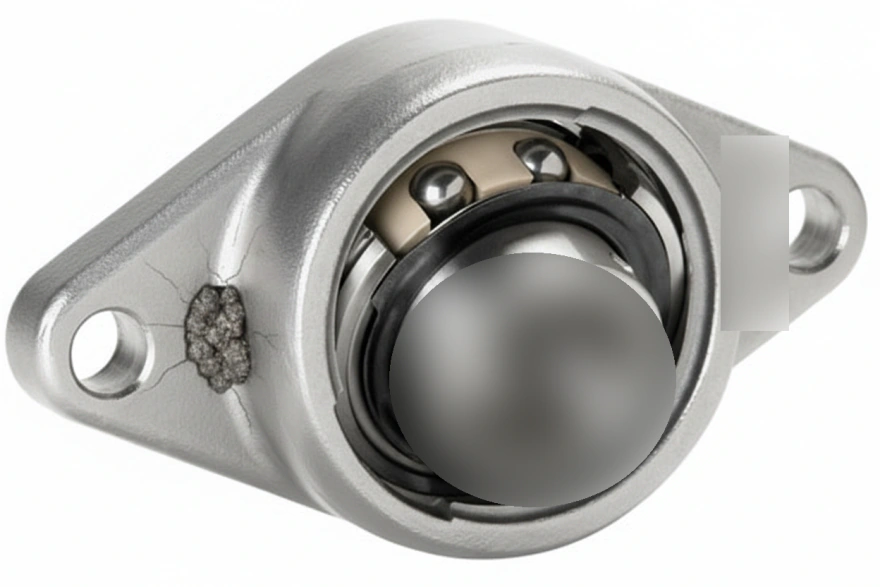
It puts defects onto images of your own part, so you can train before you’ve collected them. The defects that are physically possible come from how the part is made.
The catch, and how we handle it
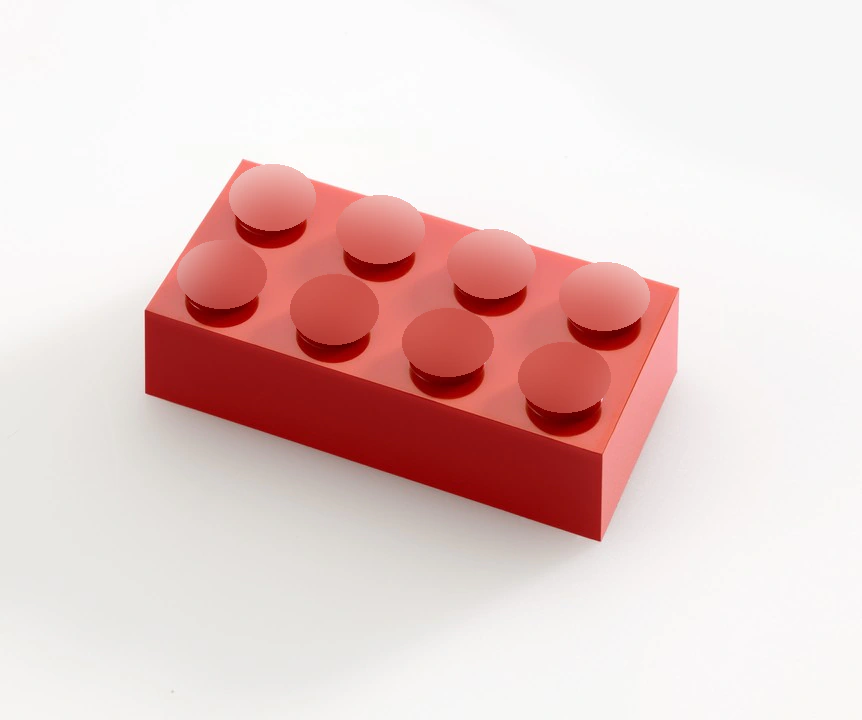
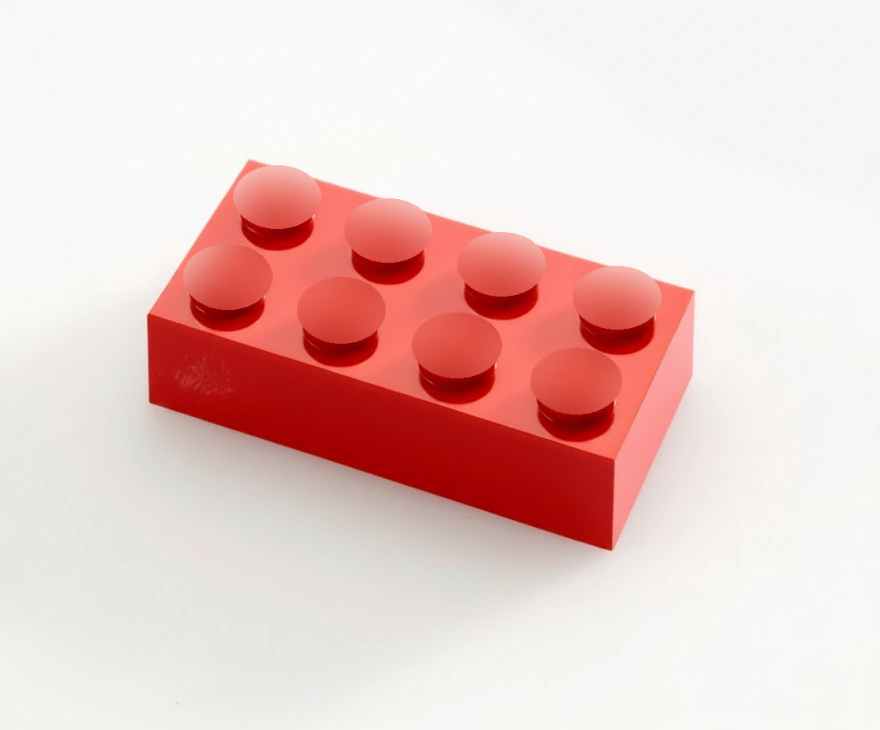
A synthetic image is only useful if its label is right. Most synthetic data takes its label from what the generator was asked to draw, so a defect drawn badly, or in the wrong place, or not at all, still arrives with a confident label. Every defect image goes to a separate detection pass, told the defect you ordered, and is discarded if the pass can’t find it. How labelling works →
When it isn’t the answer
- If you already have hundreds of varied, well-labelled examples of every defect you care about, you may not need it. Augmentation may be enough.
- If your rejects are dimensional (measured, not seen), a photograph won’t show them.
- It doesn’t replace real defective parts for validating a model. Train on synthetic; test on real.
Questions
Why are real defect images hard to collect?
Because a good manufacturing process produces few defects, and rare defect types produce fewer still. New lines produce none at all until they run.
Can a model trained on synthetic defects work on real parts?
That depends on how close the synthetic images are to what your camera sees, which is why we generate from a photograph taken on your line. Always validate on real parts before relying on it.
Does synthetic data replace collecting real defects?
No. It covers the gap until you have them, and the rare classes you may never have enough of. Real examples remain the test set.
Try it on your own part
Sign in with your work email, upload one photograph of a good part, and get up to 10 images of it back, labelled in YOLO and COCO. Each takes about a minute. Free, once per email address.
Try it freeTalk to an engineer
Thirty minutes with someone who built the pipeline. No upload, no account.
Book a call