
Checking synthetic labels: the same image scored 0.18, then 0.72
Why a check’s answer can depend on the other images in the folder
The same check on the same image scored 0.176 one time and 0.719 the next. The only thing that changed was which other images were in the folder, because the check aligned itself on the first image it saw. Separately, running it on a 3× enlarged copy moved 8 of 70 images across a decision threshold. Check on the file you deliver, with a setup that doesn’t depend on the batch.
What Visynex isVisynex makes synthetic defect images for training machine vision inspection models. Each image is made from one photograph of a good part, and every defect image ships only if a separate detection pass finds the defect ordered.
The check
It asks whether each synthetic defect image’s bounding box sits on the pixels that changed most against the reference photograph of the good part. Its score runs from 0 (box off the change) to 1 (box on it), read in three bands: on (0.8 or more), in between, and off (under 0.1).
To compare an image with the reference, it first aligns the reference to the image’s frame, with a scale and an offset found by search. It did that once per frame size, on the first image of that size.
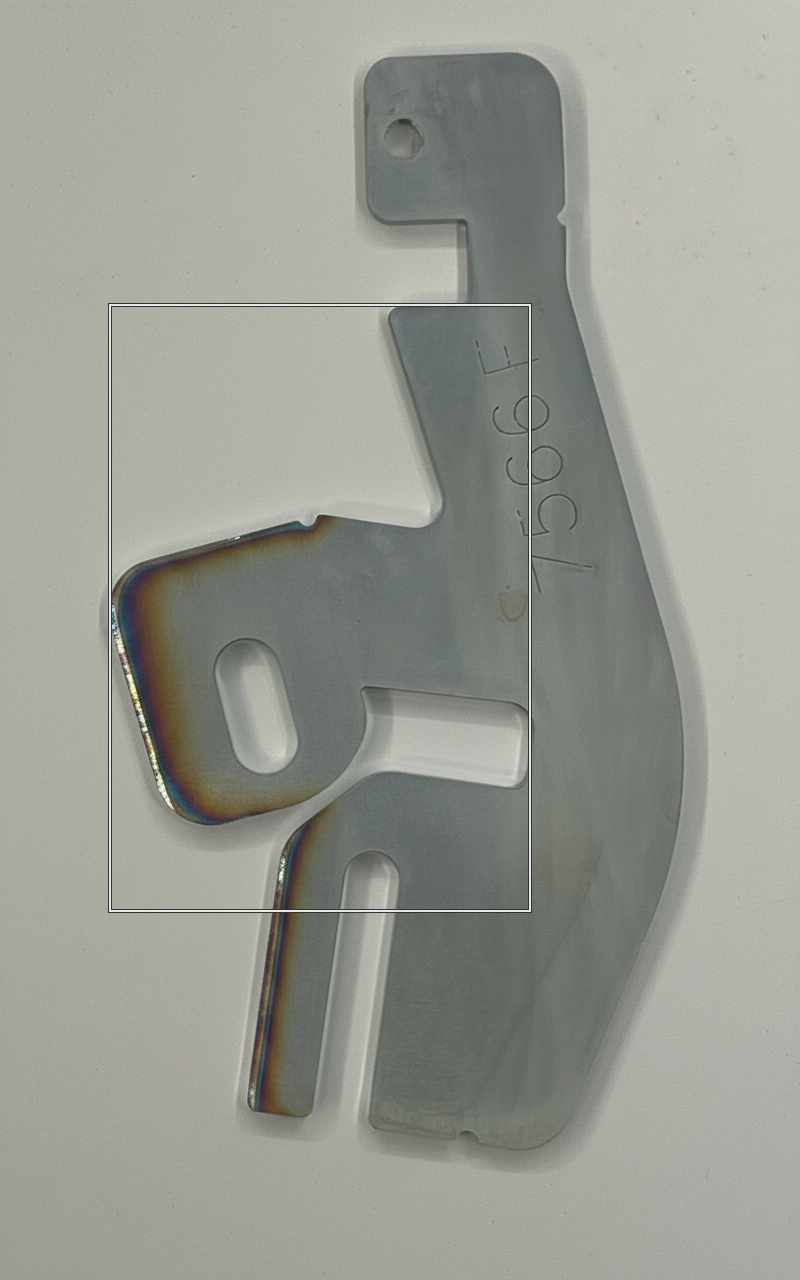
1. Which images were in the batch
This was not planned. It was found while ruling out something else, so it is reported as a finding, not a prediction.
- The check ran on 7 images of one bracket run twice: once among all 70 bracket images, and once with that run alone. The images were byte-identical. Only the image the alignment was found on differed.
- Four of the seven changed band: 0.346 → 0.023, 0.216 → 0.065, 0.147 → 0.068 and 0.996 → 0.696. One more moved from 0.176 to 0.719 inside the middle band.
2. The size of the copy
This one was planned.
- All 70 images were enlarged 3×, as a scoring pack might, with their boxes scaled to match.
- 8 of the 70 changed band. Every one started within 0.13 of a band edge, for example 0.929 → 0.783. The median change was 0.024.
- The check realigns at the new size, so the copy and the realignment cannot be separated. That is what happens to any self-aligning check run on a resized copy.
- What did not change the answer: the website’s JPEG display copies of seven images, once the alignment was held fixed. Their scores matched the delivered PNGs to within 0.004.
What transfers to your own checks
- Run checks on the delivered file, and confirm it by checksum. A copy made for viewing or scoring is a different measurement.
- A check that sets itself up on the data (alignment, normalisation, a threshold from the batch’s own statistics) gives answers that depend on the batch. Fix the setup and record it beside the result.
- Report how close each verdict is to its threshold. Most of these changes were small movements across a line.
Limits
- One part, one check, 70 images.
- The batch effect came from a post-hoc diagnostic, not a pre-registered test.
Questions
Can I run a label check on a resized copy of the image?
Not if you want the delivered image’s answer. A 3× enlarged copy moved 8 of 70 images across a decision threshold. Run checks on the delivered file and confirm it by checksum.
Why would a check’s answer depend on other images in the folder?
Because it set itself up on the data. Ours found its alignment on the first image of each size, so the same file scored differently depending on what came first. Fix the setup and record it beside the result.
Try it on your own part
Sign in with your work email, upload one photograph of a good part, and get up to 10 images of it back, labelled in YOLO and COCO. Each takes about a minute. Free, once per email address.
Try it freeTalk to an engineer
Thirty minutes with someone who built the pipeline. No upload, no account.
Book a call