
Synthetic defect data vs data augmentation
Augmentation varies the defects you already have. Synthetic generation makes ones you don’t have. Most teams need both.
What Visynex isVisynex makes synthetic defect images for training machine vision inspection models. Each image is made from one photograph of a good part, and every defect image ships only if a separate detection pass finds the defect ordered.
What augmentation does
Augmentation transforms your existing images: flipping, rotating, cropping, changing brightness or contrast, adding noise or blur, and pasting a cut-out defect onto another image. One real example becomes many variants of it.
What it can’t do
It can’t produce a defect you’ve never photographed. If you have no examples of a class, augmentation has nothing to transform. If you have three, you get many variations of the same three. Your model sees more pixels but not more kinds of defect.
What synthetic generation does
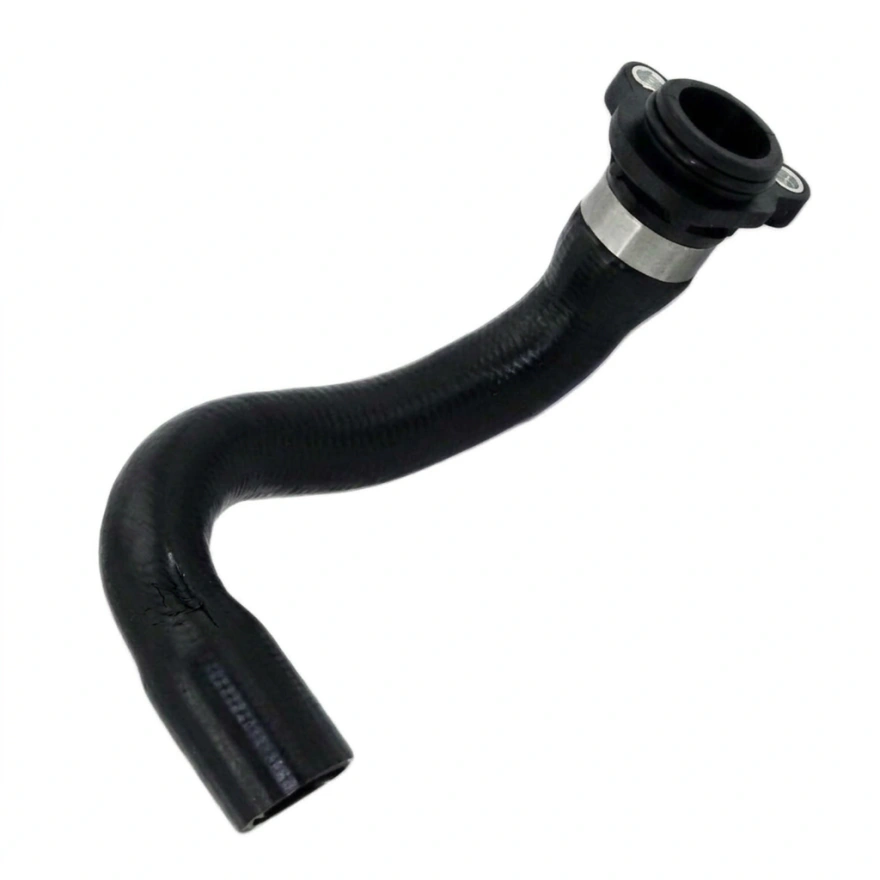
It creates new defect instances on images of your part: a scratch where there’s never been one, the heat tint you’ve seen once, the defect your line hasn’t produced yet. The defects come from your process, so they are the ones that can actually occur.
Where augmentation has the advantage, honestly
Its labels are exact. When you rotate an image, you know exactly where the defect went, because you moved it. A generated defect has no such guarantee: the generator may draw it somewhere other than where it was asked, or not at all. That’s why we don’t trust the generator’s word for it. Every defect image goes to a separate detection pass, and the box it finds becomes the label. How that works →
Using both
Generate the defect classes you’re short of, then augment the whole set, real and synthetic, as you would any training data. Validate on real parts.
Questions
Is synthetic data better than augmentation?
They solve different problems. Augmentation multiplies examples you have; synthetic generation creates examples you don’t. Use augmentation when you have varied real defects, and synthetic data when you don’t.
Is copy-paste augmentation the same as synthetic defect generation?
No. Copy-paste moves a real defect from one image to another. Synthetic generation creates a new defect on your part, shaped by the part’s geometry and process.
Can I augment synthetic images?
Yes. Treat them like any other training images.
Try it on your own part
Sign in with your work email, upload one photograph of a good part, and get up to 10 images of it back, labelled in YOLO and COCO. Each takes about a minute. Free, once per email address.
Try it freeTalk to an engineer
Thirty minutes with someone who built the pipeline. No upload, no account.
Book a call